What ?
- Package Manager for neo vim.(reference github)
Use ?
Bootstrap by creating a lazy.lua file under namespace and create a sample configuration and add dependency in the init.lua as require (“
local lazypath = vim.fn.stdpath "data" .. "/lazy/lazy.nvim"
if not vim.loop.fs_stat(lazypath) then
    vim.fn.system {
        "git",
        "clone",
        "--filter=blob:none",
        "https://github.com/folke/lazy.nvim.git",
        "--branch=stable",
        lazypath
    }
end
vim.opt.rtp:prepend(lazypath) -- rtp - run time path

require("lazy").setup {
    spec = LAZY_PLUGIN_SPEC, -- global spec table
    install = {
        colorscheme = {"darkplus", "default"}
    },
    ui = {
        border = "rounded"
    },
    change_detection = {
        enabled = true,
        notify = false
    }
}
The following code appends the lazy module to the standard data path of vim
local lazypath = vim.fn.stdpath "data" .. "/lazy/lazy.nvim"In windows, lua print(vim.fn.stdpath("data")) will return 
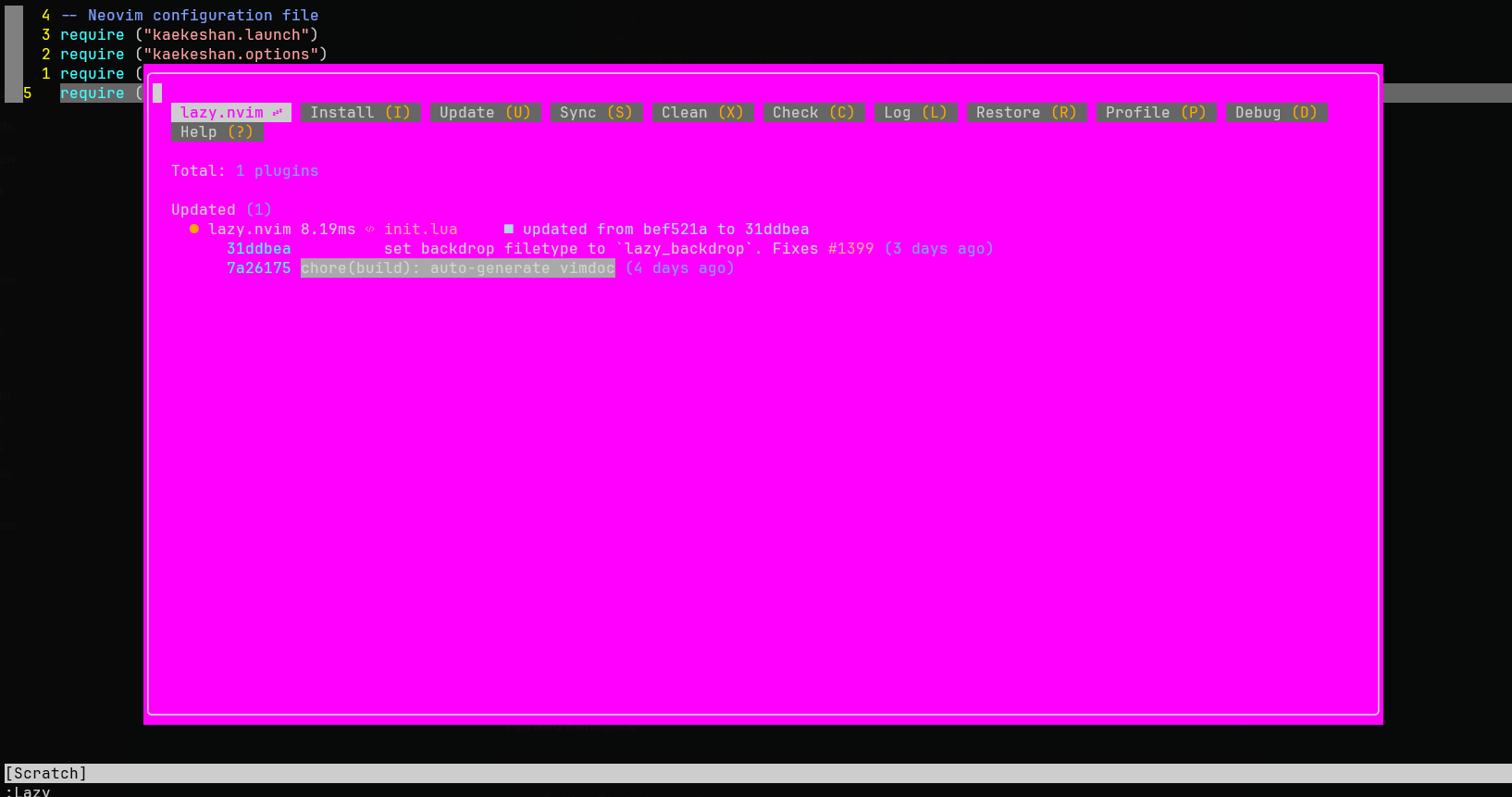
To toggle Lazy.nvim window, use Lazy command
Plugins ?
To use plugins using lazy, create a corresponding
local SPEC = {
    "LunarVim/darkplus.nvim",
    lazy = false, -- make sure we load this during startup if it is your main colorscheme
    priority = 1000 -- make sure to load this before all the other start plugins
}

function SPEC.config()
    vim.cmd.colorscheme "darkplus"
end

return SPEC