Lazy.nvim is a package manager for Neovim that handles plugin installation, updates, lazy-loading, and configuration from a single Lua entry point.
Bootstrap
Create a lazy.lua file under your namespace directory, then require it from init.lua:
require("<namespace>.lazy")The bootstrap snippet clones lazy.nvim into the standard data path on first run if it isn’t there yet:
local lazypath = vim.fn.stdpath "data" .. "/lazy/lazy.nvim"
if not vim.loop.fs_stat(lazypath) then
    vim.fn.system {
        "git",
        "clone",
        "--filter=blob:none",
        "https://github.com/folke/lazy.nvim.git",
        "--branch=stable",
        lazypath
    }
end
vim.opt.rtp:prepend(lazypath) -- rtp = runtime path

require("lazy").setup {
    spec = LAZY_PLUGIN_SPEC, -- global spec table
    install = {
        colorscheme = {"darkplus", "default"}
    },
    ui = {
        border = "rounded"
    },
    change_detection = {
        enabled = true,
        notify = false
    }
}
Where
lazypathpoints on Windows
vim.fn.stdpath("data")resolves to something likeC:\Users\<user>\AppData\Local\nvim-data. Runlua print(vim.fn.stdpath("data"))in Neovim to see the exact value on your machine.

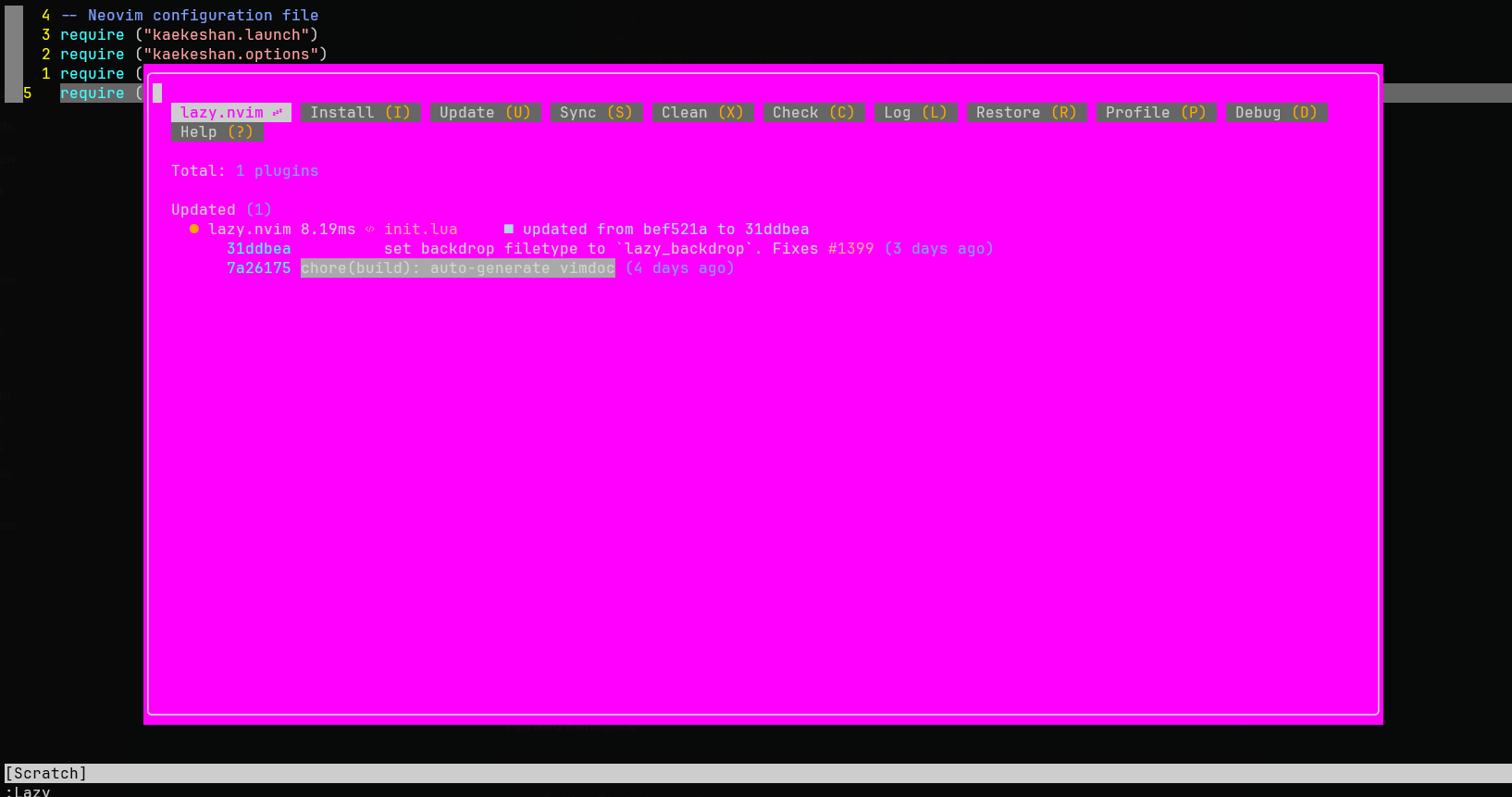
To open the Lazy UI, run the :Lazy command. The window lists installed plugins, pending updates, and lets you sync or clean up:
Plugins
Each plugin gets its own <plugin>.lua file under your namespace directory. The spec table is the lazy.nvim convention: it lists the source, loading trigger, dependencies, and a config() function that runs when the plugin loads.
Keep
lazy = falsefor your colorschemeIf
darkplus(or whatever you use) is your main colorscheme, setlazy = falseandpriority = 1000so it loads before any plugin tries to apply its own colors.
Example colorscheme spec:
local SPEC = {
    "LunarVim/darkplus.nvim",
    lazy = false,        -- load at startup if this is your main colorscheme
    priority = 1000      -- load before all other start plugins
}

function SPEC.config()
    vim.cmd.colorscheme "darkplus"
end

return SPEC